Account
The commands in this category are strictly focused on controlling your own account.
/stats
By using the /stats command, you will find out all the information about your account at that moment. The details that the server provides are identical to those you can find directly in your account on the website.
/buylevel
The /buylevel command means buying a level, in the case of the B-Zone RPG server, advancing to a new level. Any community player is allowed to use this command and automatically advance to a new level, only if they have the respect points necessary to purchase that level. To find out how many respect points you have, use the /stats command. If you have more respect points than those required to advance to the next level, they will be lost once you purchase the new level. For each level advancement, the player will receive 10 Gold as a reward.
Notes:
- With level advancement, the price increases calculated as follows: amount = level*250.
- With level advancement, the number of RP required for advancement increases calculated as follows: required RP = level*4-2.
- Players who have an active Premium Account will not lose the respect points they have in excess of those required for level advancement.
/changepass
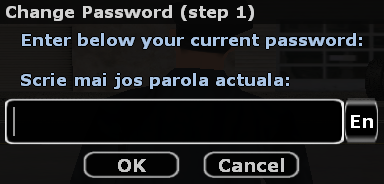
If you use this command, you should know that to change your account password you must know your current password. The server will display a dialog in which you must enter the current account password.
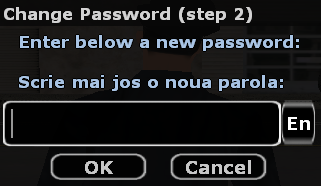
If the current password is correct, another dialog will appear, which you must complete with the new password.
If you forgot your password, you will not be able to change it using the /changepass command in game, but you will have to press the "Forgot your password" button as appropriate on the server's website.
/changeemail
Using this command will cause the server to offer you a set of information regarding changing your account email through a dialog box. Below you can find an example of such a dialog, displayed by the server.
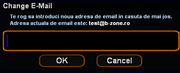
If the email address is not validated, you will be able to change it directly in game. More information can be found on the Email page.
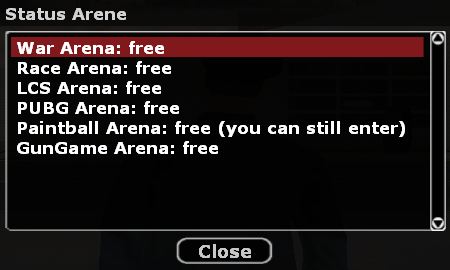
/arenas
By using this command you can check the availability of a certain arena among those available on the server, whether it is occupied or not.