Garage
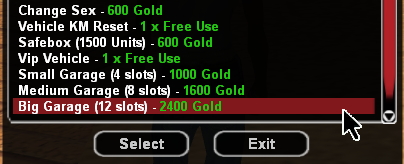
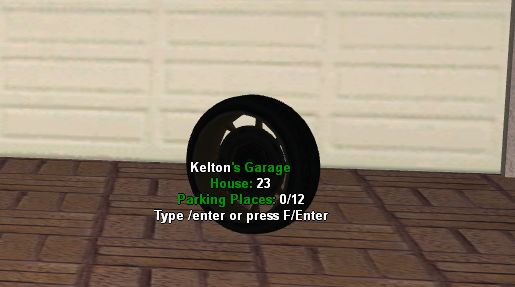
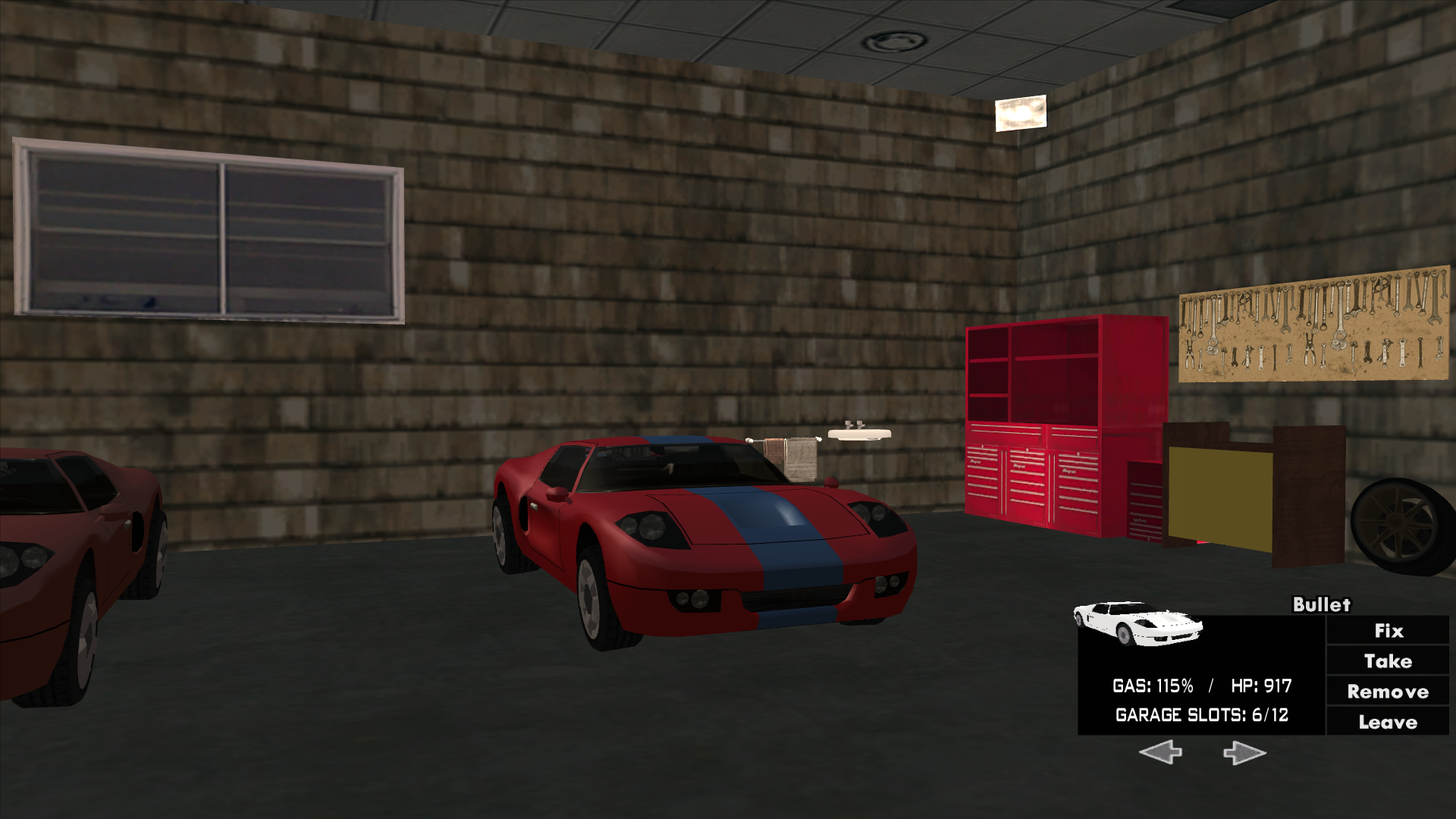
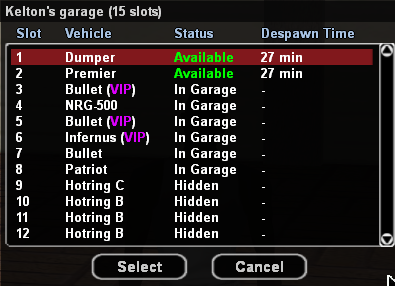
Players who own a house can add a special garage from the shop with Gold to house their beloved vehicles.
Warning
The gold prices presented on this page are standard. It is possible that in-game products may be cheaper if you make the purchase during a discount period.
General Characteristics
- Only a player who owns a house can buy a garage in the vicinity of their house (40 units).
- At the time of purchase, the garage position for entrance/exit will be the same position as the location where you are, so choose the position carefully.
- If you made a mistake with the position, there is no editing option. You will need to repurchase a garage to change the position.
- There are a total of 3 types of garages (see price list).
- Only small or medium-sized personal vehicles can be parked in the garage. Vehicles that are too large cannot be parked there.
- The garage allows repairing a damaged vehicle directly from it for the amount of $200.
- To park a vehicle in the garage, go with it in front of the garage and use the /enter command.
- To select a vehicle from the garage, enter it by pressing F or /enter while on foot, then after selecting the vehicle you can use the Take button.
- To leave the garage without taking any vehicle, you can use the Leave button.
- To completely remove a vehicle from the garage, you can use the Remove button.
- When selling the house, the garage will disappear.
Price
The price of a garage differs depending on its size, as follows:
- Small garage (4 slots): 1000 Gold
- Medium garage (8 slots): 1600 Gold
- Big garage (12 slots): 2400 Gold
How to Buy?
Follow these steps:
- Access the community shop using the /shop command.
- Select one of the desired garages from the displayed list: Small Garage (4 slots), Medium Garage (8 slots), Big Garage (12 slots).
- The server will display some information about the garage addition process that we ask you to read carefully because the garage can no longer be moved once you have placed it.
- After reading the information, press the Order button.
- Immediately after pressing the Order button, the garage will be created at the position where you are.
- Congratulations! You can now enjoy your new garage.