Clan HQ Claim

General Information
Warning
The gold prices presented on this page are standard. It is possible that in-game products may be cheaper if you make the purchase during a discount period.
The HQ Claim option from /shop allows changing the current clan HQ with a new desired clan HQ.
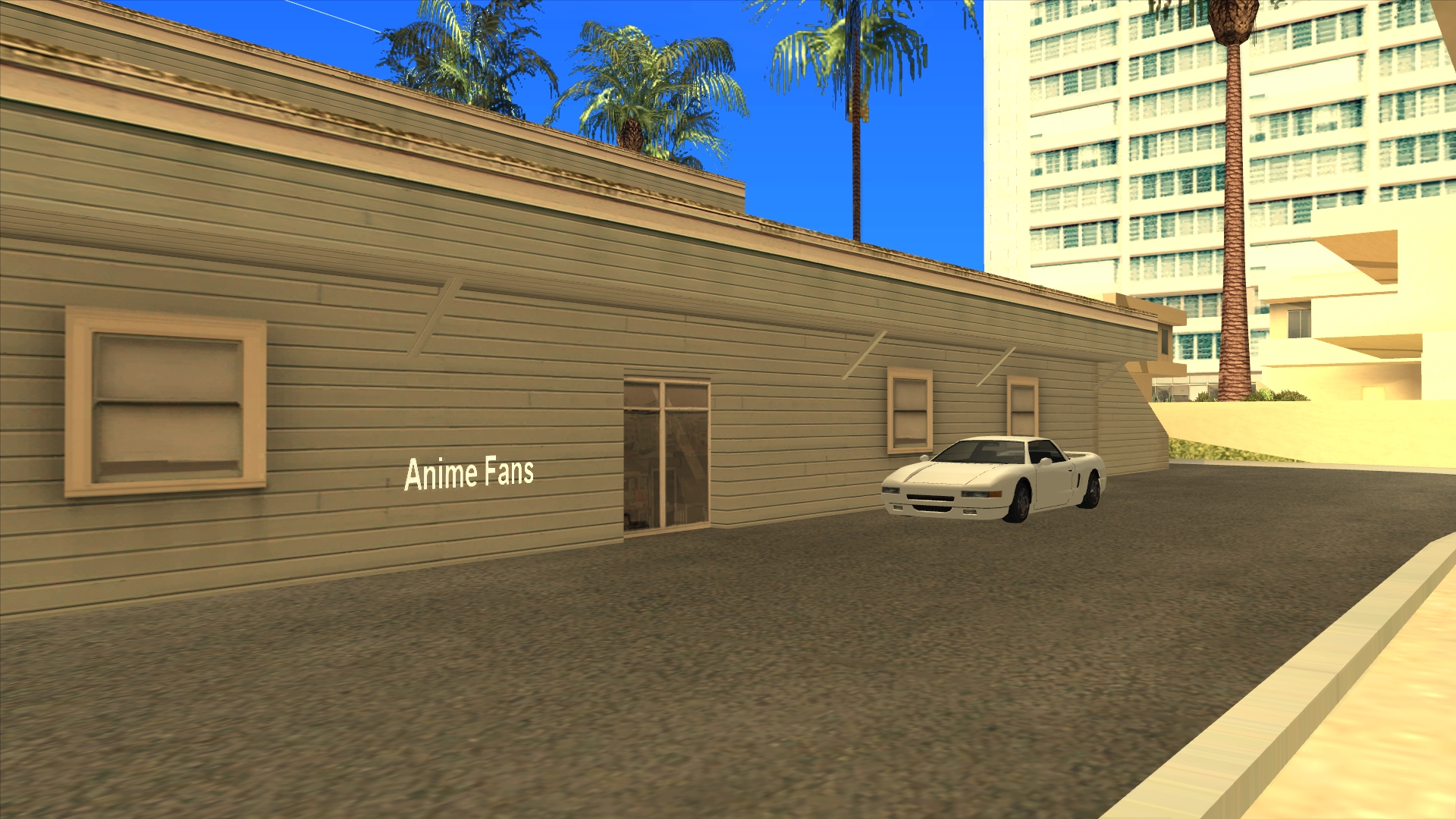
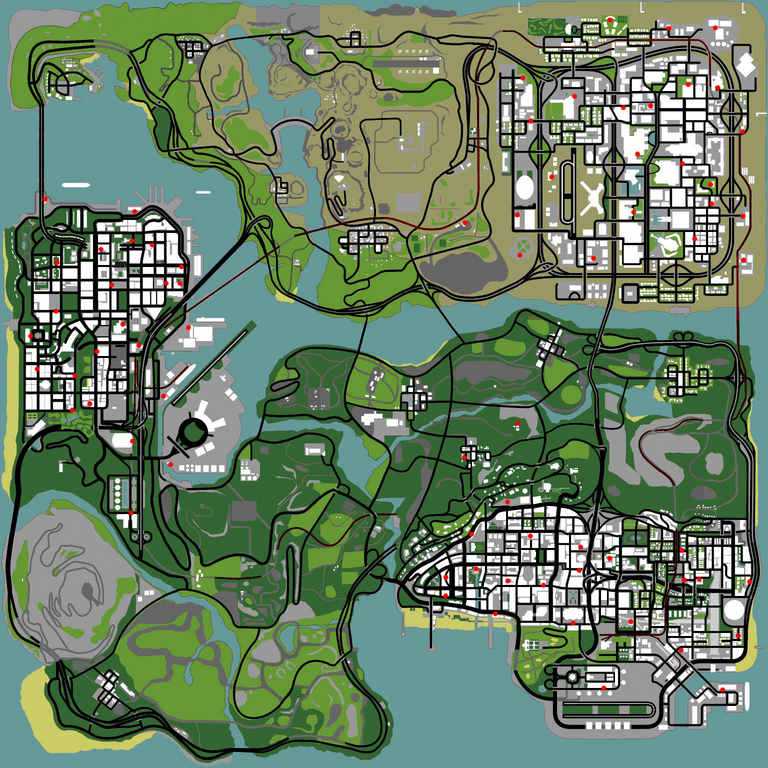
On our server, there is a vast number of Clan HQs that can be claimed, a total of 71 HQs.
The standard price for changing the clan HQ is 600 Gold.
To be able to buy HQ Claims, you must be the owner of a clan of at least level 5.
The first time the clan reaches level 5, you will receive a free HQ Claim from the server. Subsequent HQ changes will need to be purchased from /shop.
Using the /claninfo command you will be able to see how many HQ Claims you have available.
Usage
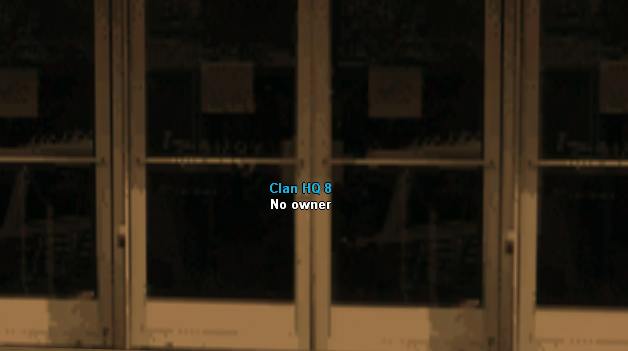
- The clan owner can claim an available clan HQ on the map using the /claimhq command at the HQ entrance.
- After using the above command, the HQ will come into the clan's possession.
How to Buy?
Follow these steps:
- Access the community shop using the /shop command.
- Select from the displayed list an item whose name follows this model: HQ Claim - price Gold.
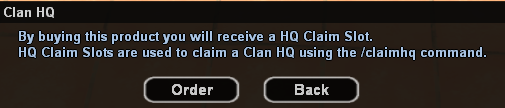
- You will then receive a confirmation dialog that you want to purchase this product.
- If you confirm and click the Order button, you will receive 1 HQ Claim.
- Congratulations! You now have the possibility to change your clan HQ.