Buy Gold
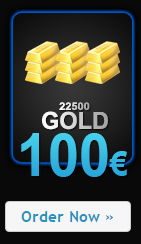
The main source of obtaining gold (the premium currency of the B-Zone RPG server) is represented by RPG Website.
How to buy gold?
- Log in to your account directly on the RPG website and click on the shopping cart icon.
- In the next window, add the billing information (click on the blue Manage Billing Information button), as they are necessary for billing.
- Note: This needs to be done only once, after you have added the data, it is no longer necessary to do this for the next orders because they remain saved.
- After saving the billing data, go back and click on the yellow Buy Gold button.
- Click on the icon under the Gold package or packages you want to add them to the shopping cart. Adjust the desired quantity, the name of the player receiving the Gold, the name of the player (affiliate) you want to receive a free bonus from you if applicable, and select the desired payment method to finalize the payment and receive the Gold.
- Buy the desired products through the /shop command or go to the DealerShip /buyvehicle.
- Enjoy your purchases!