Rent
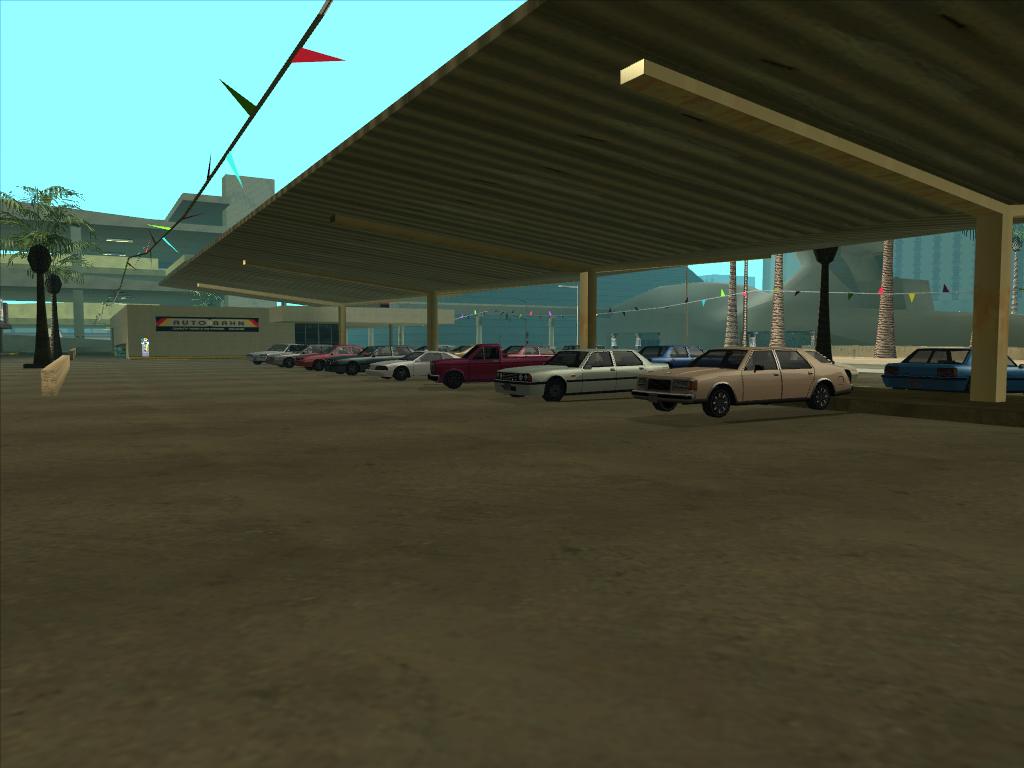
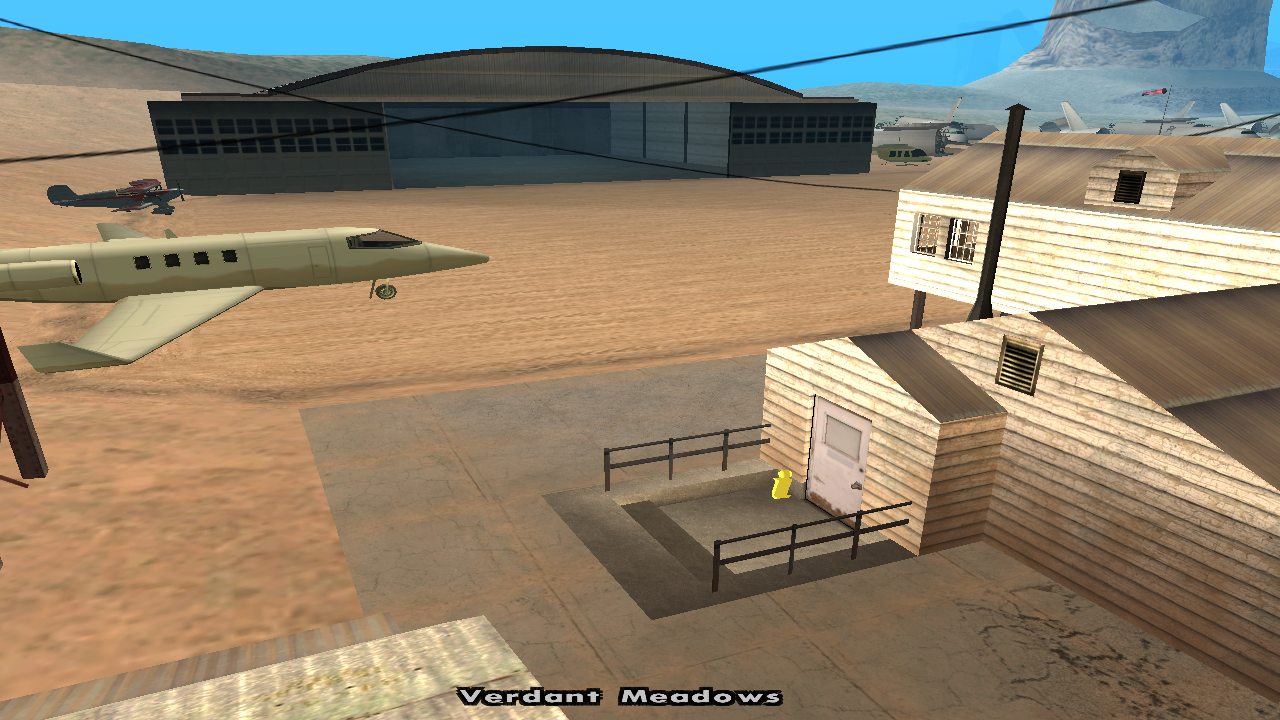



On the B-Zone RPG server, players can rent four types of vehicles: cars, motorcycles, boats and aircraft.
There is one such center in each main city, except for those for boats and aircraft which are only present in Las Venturas.
Characteristics
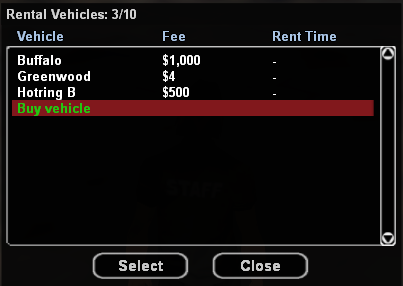
- The vehicle will remain in your possession until the rent expires or you terminate it sooner using the /unrentvehicle command.
- The rented vehicle behaves like a personal one, being able to be found on /v, being able to give it locate, park, tow.
- All rental centers represent SafeZones.
- All money paid for renting the vehicle goes into the business at a rate of 100% (the state does not withhold anything).
- Each business can have at most 10 vehicles.
- When selling the business, the existing vehicles remain, these disappearing only when the owner sells them individually.
- Car centers are marked on the map with an icon as in image #7.
- Motorcycle centers are marked on the map with an icon as in image #8.
- Boat centers are marked on the map with an icon as in image #9.
- Aircraft centers can be found at the specific location.
Rental Procedure
To rent a vehicle, you must:
- Go to one of the rental centers (marked on the map with icons as in the images).
- Choose an available vehicle, located in the parking lot adjacent to the business, and enter it.
- You will then be greeted with a dialog in which you will have to enter for what duration you want to rent the vehicle (minimum 1 hour, maximum 24 hours), and then a final confirmation dialog.
Business Management
The business owner can use the /mybiz command to manage the business:
- Setting the rental price for each vehicle individually.
- Viewing whether or not they are rented and for what period.
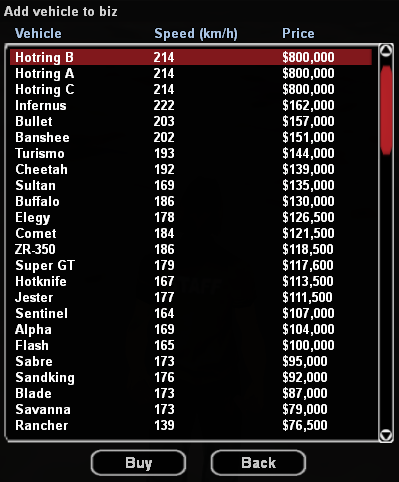
- Purchasing new vehicles.
- Selling current vehicles.
Vehicles can be purchased by the owner at 10% of their price in Dealership, and when selling them they will receive 50% of their value back.
Specific Commands
/mybiz
This command is available to owners of rent-type businesses and helps with managing the business, setting the rental price for each vehicle individually, viewing whether or not they are rented and for what period, purchasing new vehicles, selling current vehicles.
The command is executed successfully only if you are inside your rent-type business.
/unrentvehicle
The command will terminate the rental contract. Your old rented vehicle will disappear, and you will be left without its keys. You can use this command from anywhere.
The command is executed successfully only if you have an active rented vehicle.
Syntax: /unrentvehicle