Clothing Stores
Characteristics
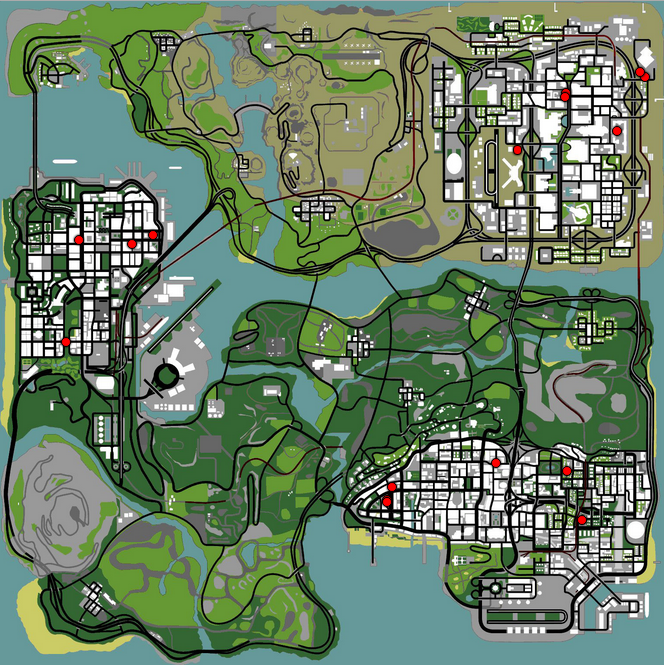
- The B-Zone RPG server has a total of 16 clothing stores spread across the map.
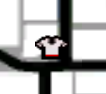
- Each clothing store is marked on the map with a white t-shirt, as in image #2.
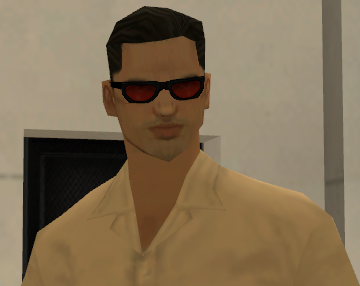
- The server automatically fixes the correct position of accessories on the skin (sunglasses / hats).
- The money that the business deducts when you enter the interior represents only the entrance fee, so to buy accessories (/buyacs) you pay separately (see accessory prices below).
Products
The following list contains all items available in a clothing store:
- Sunglasses: $500
- Hats: $500
- Skins: $1 - $1,090,000
- Costumes: $500
Skins are divided into 4 categories:
- Starter ($1 or 1 Gold)
- Bronze ($20,000 or 100 Gold)
- Silver ($195,000 or 1,000 Gold)
- Platinum ($1,090,000 or 5,000 Gold)
Legend: Product name - Product price
Specific Commands
/buyacs
The command is used to buy sunglasses or hats and uses parameters, which means that after the /buyacs command you must specify one of the available options (hat or sunglasses).
Example #1: "/buyacs hat" will display dialogs with questions, for buying hats.
Example #2: "/buyacs sunglasses" will display dialogs with questions, for buying sunglasses.
/skins
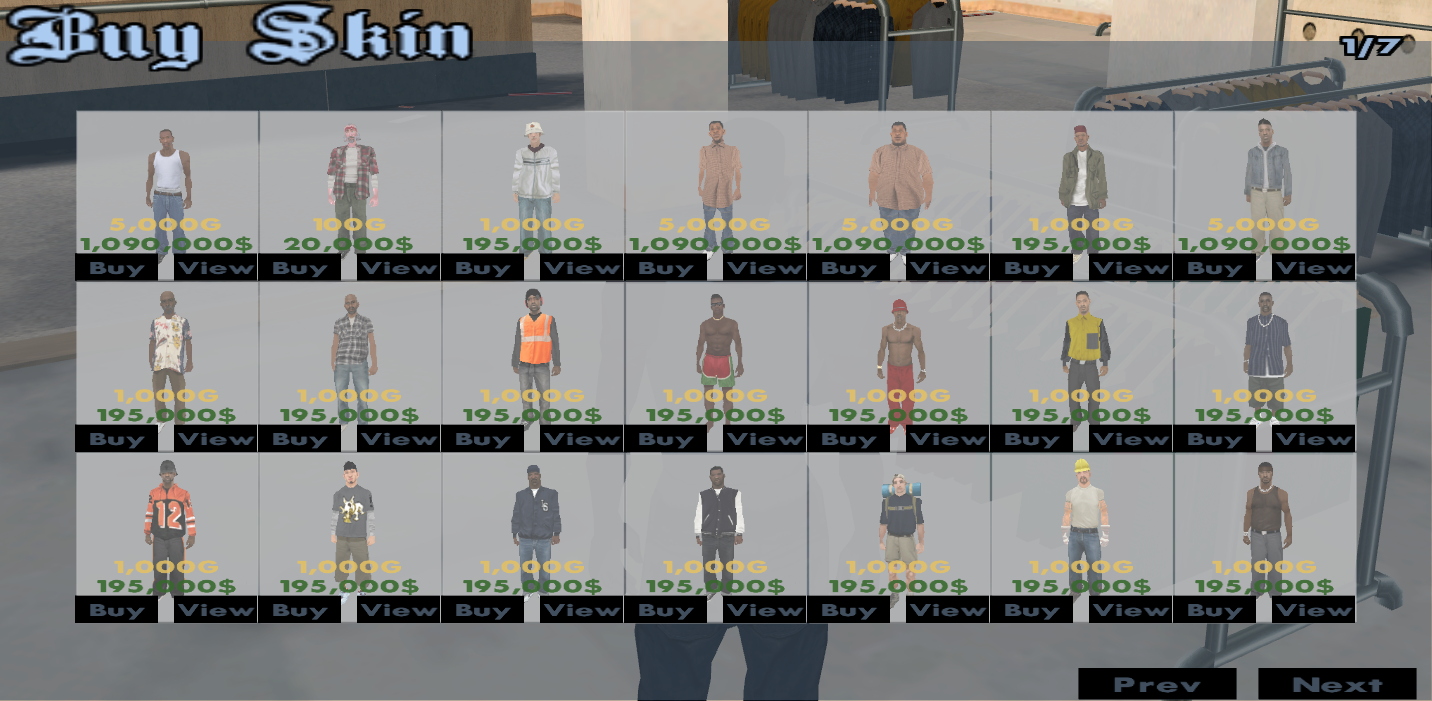
By using this command, the server will display a paginated table from which you can select the desired skin, the table cells being previews of the skins (see the image on the right).
Once decided, to buy the skin you must press the BUY button, and to view it press VIEW.
The /skins command is available both in your personal house (or rent), as well as in clothing stores. If used in a clothing store, the command will allow you to buy skins that you will have permanently available on your account, as well as wear the skins you have previously purchased. If used from a house, the command will only display the skins you have purchased, being able to use them directly from home, without having to go to the clothing store. Regardless of the location where it is used, the command will only display the skins corresponding to your gender in the game. To buy a skin you will be able to pay both with regular money and with Gold.
If you are not part of any faction (you are civilians), the table will contain 10 pages with 21 skins per page.
If you are part of a faction, the table will contain a single page, having only the skins specific to that faction (usually 4-5 skins).
Faction members will be able to wear such a "civilian" skin only if this skin is part of the most expensive category. A skin that is part of the medium or low price category can still be purchased, but can only be worn if the player is civilian.
If you are wanted by the police following an escape and you have the prison-specific skin, the command will not display the skin table but will offer you the skin you were using before entering prison. For more details about escapes, go to the Escape page.
/costumes
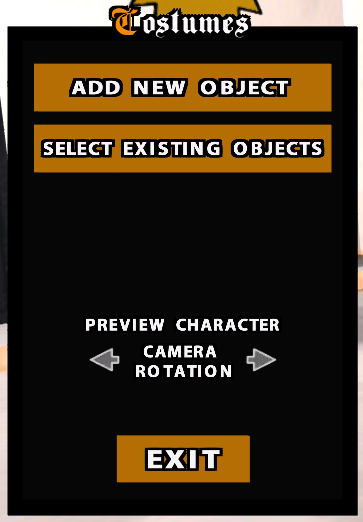
This command used inside a clothing store will open an interface through which you will be able to attach multiple objects to your skin.
The number of objects that can be worn simultaneously is limited to 7.
After selecting an object you will be able to use the positioning system, which allows you to position the object in the desired location. You can also move the location of an already existing object or delete an object you no longer need.
Using the command outside clothing stores or houses will allow the user to show or hide the objects they already own.